
Changing the system a company runs on is stressful for a reason: orders, stock and money flow through it every day. The good news is that a migration to Odoo follows a predictable pattern, whether you are coming from spreadsheets, an older Odoo version or another ERP. Here is how we approach it.
Decide what to migrate
Not everything from the old system deserves a place in the new one. We split the data into three groups:
- Master data: customers, suppliers, products, price lists, bills of materials, chart of accounts. Always migrated, always cleaned first.
- Open transactions: unpaid invoices, open orders, current stock levels, opening balances. Migrated so the business can continue the next morning.
- History: years of closed orders and old invoices. Often better kept in an archive or as a read-only export than loaded into Odoo, where it slows things down and rarely gets used.
Clean the data before moving it
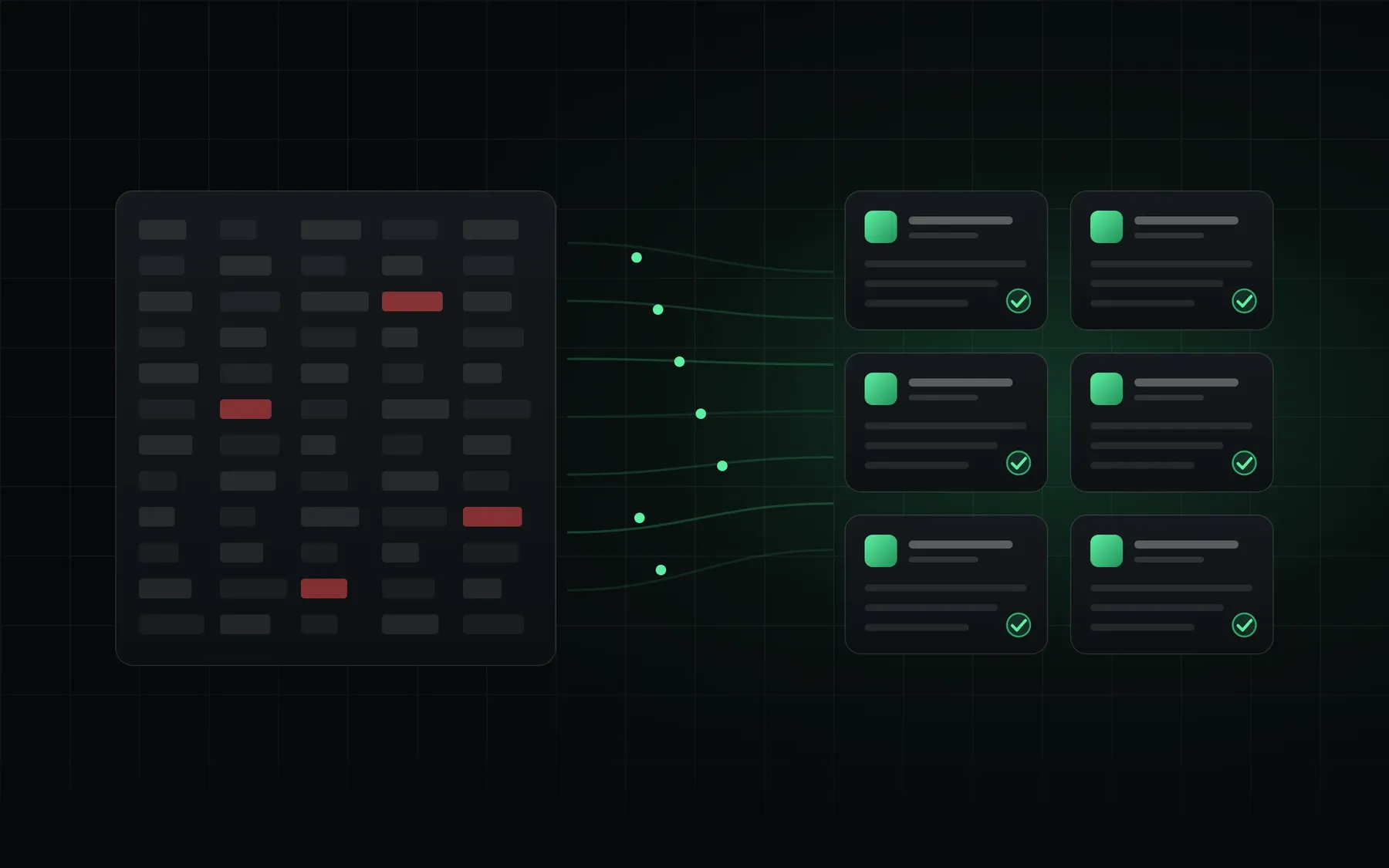
Migration exposes every shortcut taken over the years: the same customer entered four times, product codes that changed format halfway, stock counts nobody has checked since last year. We run automated checks on the source data, produce a list of problems and fix them together with the people who know the business. A clean customer and product list is the single biggest predictor of a smooth go-live.
Map old fields to Odoo
Every field in the old system gets a destination in Odoo, or a deliberate decision to drop it. Custom fields that the team relies on become fields in a small custom module. This mapping document is also where we discover processes that need a different shape in Odoo, before anything breaks.
Trial runs
We never migrate once. A typical project has two or three trial migrations into a test database. After each run, the team checks real examples: does this customer have the right payment terms, does this product have the right stock in the right warehouse, do the opening balances match the old trial balance? Each round finds fewer issues, and by the final run the process is a repeatable script, not a manual effort.
Plan the cut-over
The switch itself is planned to the hour:
- Freeze data entry in the old system at an agreed time, usually at the end of a week or month.
- Export the final data and run the tested migration scripts.
- Reconcile stock and balances against the old system's final reports.
- Open Odoo for daily work, with our team available for questions.
For companies coming from an older Odoo version, the upgrade path is similar, with extra attention to custom modules, which need to be ported to the new version and retested.
Should you run both systems in parallel?
Running two systems side by side for weeks sounds safe, but it doubles the work and usually creates two versions of the truth. We prefer a short, well-tested cut-over with a clear rollback plan, and parallel reporting only for the first month-end close, so finance can confirm the numbers match.
The goal of a migration is not to copy the old system into a new one. It is to start the new one with data everyone trusts.
After go-live
The first weeks reveal small things no test catches: a report column someone misses, a label printer that needs a new format. Plan time for these adjustments and keep the project team in place until the first full month is closed.
Thinking about leaving spreadsheets or an aging ERP behind? Get in touch and we will review your current setup and estimate the migration effort.